Find a slow Wi-Fi connection with a repeatable test
A slow video call on the sofa can coexist with a fast connection beside the router. I begin with one controlled comparison instead of changing several settings at once. A browser speed test helps you locate a repeatable difference, but the connection path includes the device, Wi-Fi, router, provider and measurement service.
Is my Wi-Fi slow or is my internet connection slow?
If the problem is a slow download, compare throughput. If pages hesitate before responding, examine latency as well. If a call worsens while somebody uploads, compare idle and loaded response time. These symptoms can overlap, but they do not mean the same thing. A large download result alone cannot show whether a response remains quick during a competing transfer, nor can a small HTTP probe certify how your particular call service behaves.
Write down the device, location, connection type, VPN state and active background tasks. You do not need to enter those notes into the tool or send them to Cloudflare. They are your comparison context. Keep the test mode the same when changing location, because Quick and Standard use different byte budgets. Repeated values become useful when the surrounding conditions are controlled rather than when every attempt happens under a new set of circumstances.
How do I test my connection without background downloads?
Pause nonessential large transfers and use a supported browser tab in the foreground. Foreground execution avoids some scheduling changes associated with background tabs, although it does not eliminate every browser effect. Choose Quick for an initial low-data reading: the generated and received test bytes total 0.625 MiB. Choose Standard when a small sample finishes very quickly and you can afford the 10 MiB test-byte budget. Headers and connection traffic are additional in both modes.
Read the Cloudflare notice and press Start test. No user files are uploaded; the upload requests carry generated random byte arrays. Wait for completion, then use Save this result explicitly. A failed request is a failed run, not a low-speed grade. If the service is unavailable or blocked by a network policy, stop and investigate that access problem instead of repeatedly running a test that cannot complete.
- Record one quiet reading in your usual Wi-Fi position.
- Keep the same device and mode, then move close to the router.
- If possible, compare a wired Ethernet connection with the same device.
- Change one background activity and repeat only when that is your question.
- Compare complete reports, including mode, timing and raw transfer samples.
Does moving closer to the router improve Wi-Fi speed?
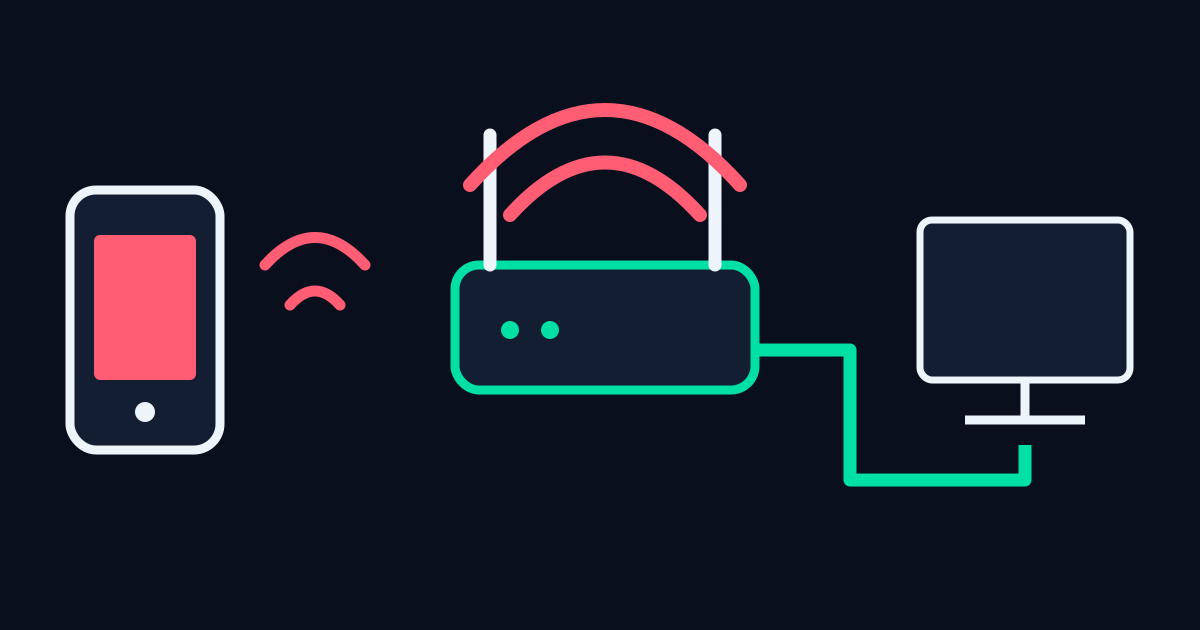
Move the same device near the router and repeat under otherwise similar conditions. A repeatable improvement suggests the wireless path deserves attention, but it does not specify whether distance, an obstacle, interference or a different radio connection caused it. Avoid claiming a particular physical obstruction is responsible from one test. Device orientation, band selection and neighbouring activity can also change between measurements without an obvious visible signal.
Next, compare Ethernet if your device and router support it. A wire removes the local wireless hop from that comparison. It does not bypass the router, internet provider or remote service. If both readings are similarly limited, the Wi-Fi hop becomes a less convincing explanation for that particular result. If the wired reading is consistently stronger, investigate the wireless setup before buying a more expensive internet package.
| Pattern | Next useful check | What it does not prove |
|---|---|---|
| Near-router readings improve repeatedly | Compare placement and wireless connection | A specific wall or router fault |
| Ethernet repeatedly beats Wi-Fi | Investigate the local wireless hop | That the provider is throttling Wi-Fi |
| Both paths slow during an upload | Compare idle and loaded responses | A certified bufferbloat or packet-loss diagnosis |
| Only one remote download is slow | Compare that server with another source | The maximum capacity of your line |
How do downloads affect latency?
A cloud backup or another user's large transfer competes for available resources. To examine normal busy use, deliberately repeat with that activity present and label the condition in your notes. To examine the quiet path, pause it again. I do not compare a busy evening result with a quiet isolated result and call the difference a permanent loss of speed. The activity itself can explain some of the change.
This tool includes parallel HTTP latency probes during its first download and upload. The full probe must occur inside the transfer before a loaded value is shown. If the transfer is too brief, an unavailable loaded result tells you about the measurement interval, not the health of your router. Standard offers a larger interval; a sustained specialist test may be more appropriate when your question is how queues behave during a long upload.
How many speed tests should I compare?
The graph displays the four actual transfer samples. A large difference between two samples is a reason to examine conditions, not to average away all uncertainty. The headline rate combines bytes and elapsed times, so it gives more weight to a longer interval. Read the raw request table when a result surprises you. Very short transfers include proportionally more startup and scheduling influence, which is why the interface flags durations below 100 ms.
Leave at least ten seconds between starts, and respect the limit of thirty starts per rolling hour in the tab. Stop when you have a useful controlled comparison rather than collecting a long chain of unlabelled numbers. Optional history keeps only five complete results in this browser. Delete one entry to remove an obsolete condition, or clear the history when your investigation is finished. Failed or cancelled runs are never saved as complete measurements.
What should I check after a slow Wi-Fi result?
For a repeatable local wireless difference, check router placement and device connection settings using the manufacturer's own instructions. For a limitation shared across wired and wireless comparisons, examine competing transfers and the provider's service information. If one application alone is slow, compare its destination and workload rather than assuming every internet route is equivalent. A VPN adds another route and processing step, so include its state whenever you compare readings.
Export a report when you need the exact bytes and timings for a conversation about the connection. The results guide explains Mbps, MB/s and HTTP latency; the internet speed test gives the bounded measurements. MDN's Fetch documentation explains the browser request mechanism. Keep conclusions proportional to the evidence: the test can show a reproducible difference, while identifying its cause may need a more targeted check.
Frequently asked
Should I buy a faster package after one slow test?
One browser sample does not identify the bottleneck. First compare consistent quiet wired and wireless conditions.
Does an unavailable loaded reading mean packet loss?
No. A short transfer may finish before the parallel probe. The tool does not measure packet loss.
Are saved results sent to Cloudflare?
Optional saved reports stay in this browser. Cloudflare receives the measurement connection and generated test bytes when you explicitly run the test.